
Scrape 7-Eleven Store Locations USA to Analyze Competitor Presence and Growth Opportunities
Published on September 23, 2025
Introduction
In the rapidly evolving convenience retail landscape, 7-Eleven is a powerhouse with thousands of stores across the United States. Whether you’re a competitor, franchise consultant, data analyst, real estate planner, or investor, understanding 7-Eleven’s store footprint can reveal crucial patterns about market dominance, underserved regions, and expansion opportunities.
This blog explores how to scrape 7-Eleven store location data across the USA, turn it into actionable insights, and use it to analyze competitor presence and growth potential using Python, Selenium, and data visualization tools.
1. Why Scrape 7-Eleven Store Location Data?
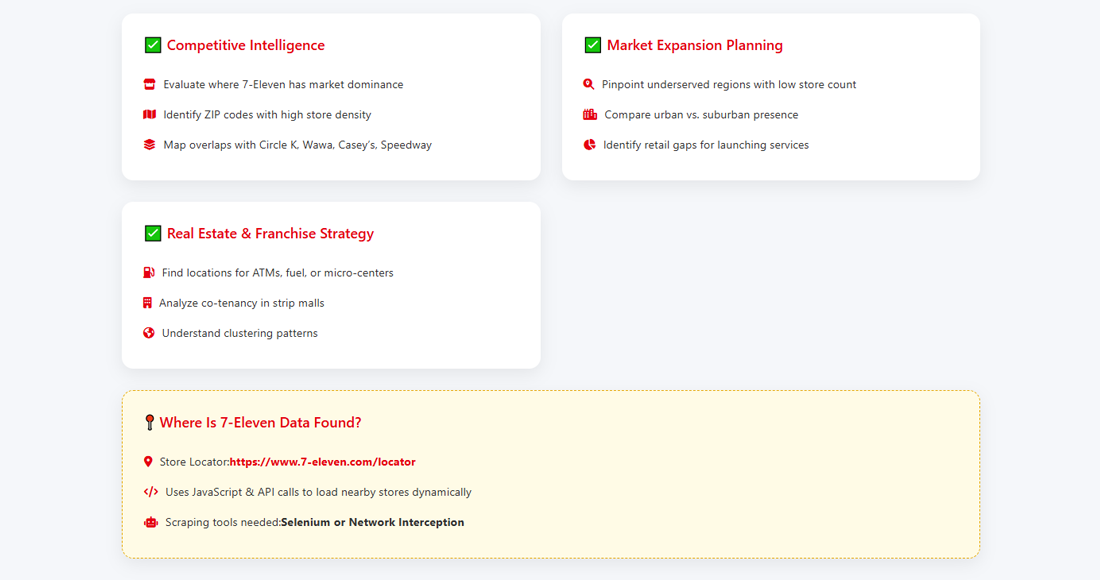
✅ Competitive Intelligence
- Evaluate where 7-Eleven has market dominance
- Identify ZIP codes with high store density
- Map overlaps with competitors like Circle K, Wawa, Casey’s, and Speedway
✅ Market Expansion Planning
- Pinpoint underserved regions with no or few 7-Eleven stores
- Compare presence in urban vs. suburban markets
- Identify retail gaps for launching convenience chains or services
✅ Real Estate and Franchise Strategy
- Use store clustering to identify optimal locations for:
- ATMs
- Fuel partnerships
- Dark stores or micro-fulfillment centers
- Analyze co-tenancy and strip mall dynamics
2. Where Is 7-Eleven Store Data Found?
7-Eleven provides a public store locator:
🔗 https://www.7-eleven.com/locator
The map displays nearby stores based on user-entered ZIP code or geolocation. It uses JavaScript and API calls to load data — meaning you’ll need to use Selenium or network interception to retrieve data effectively.
3. What Data Can Be Scraped?
You should aim to collect:
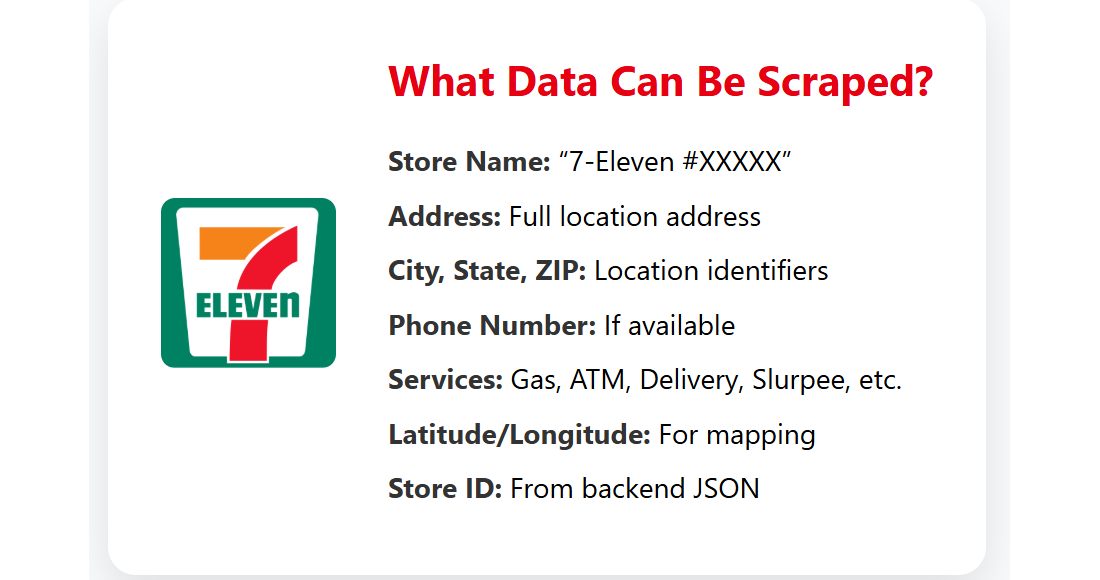
| Field | Description |
|---|---|
| Store Name | Typically “7-Eleven #XXXXX” |
| Address | Full location address |
| City, State, ZIP | Standardized location identifiers |
| Phone Number | If available |
| Services | Gas, ATM, Delivery, Slurpee, etc. |
| Latitude/Longitude | For mapping and route optimization |
| Store ID | Often available in backend JSON |
4. Tools Needed
To scrape this data, install:
pip install selenium pandas beautifulsoup4Optional (for geolocation):
pip install geopyYou’ll also need:
- Chrome WebDriver (compatible with your Chrome version)
- Python 3.x
5. Step-by-Step Guide to Scrape 7-Eleven Stores
🧭 Step 1: Inspect the API Calls
- Visit https://www.7-eleven.com/locator
- Open DevTools (F12)
- Enter a ZIP code (e.g., 90210)
Watch for network requests to:
https://www.7-eleven.com/api/stores/searchSent as a POST request with latitude, longitude, and radius.
🧰 Step 2: Use Python requests to Fetch Store Data
You can reverse-engineer the API.
import requests
            import pandas as pd

            url = "https://www.7-eleven.com/api/stores/search"

            headers = {
                "Content-Type": "application/json",
                "Origin": "https://www.7-eleven.com"
            }

            payload = {
                "latitude": 34.0901,
                "longitude": -118.4065,
                "radius": 50,  # miles
                "filters": []
            }

            response = requests.post(url, json=payload, headers=headers)

            data = response.json()["stores"]

            store_list = []
            for store in data:
                store_list.append({
                    "Store Name": f"7-Eleven #{store.get('storeNumber')}",
                    "Address": store.get('address', {}).get('line1', ''),
                    "City": store.get('address', {}).get('city', ''),
                    "State": store.get('address', {}).get('region', ''),
                    "ZIP": store.get('address', {}).get('postalCode', ''),
                    "Latitude": store.get('location', {}).get('latitude'),
                    "Longitude": store.get('location', {}).get('longitude'),
                    "Services": ", ".join(store.get('services', []))
                })

            df = pd.DataFrame(store_list)
            df.to_csv("7eleven_stores.csv", index=False)
🔄 Step 3: Automate Across ZIP Codes or Lat/Lon Grid
To scale beyond one ZIP, loop through:
- Popular metro area coordinates
- Every ZIP code in the U.S.
- A grid of lat/lon points using bounding boxes
This ensures comprehensive national coverage.
🗺️ Step 4: Visualize Store Locations
Once you have the store data:
Use Python + Folium:
import folium

            map = folium.Map(location=[37.0902, -95.7129], zoom_start=5)

            for _, row in df.iterrows():
                folium.Marker(
                    location=[row["Latitude"], row["Longitude"]],
                    popup=row["Store Name"]
                ).add_to(map)

            map.save("7eleven_map.html")
Or use:
- Tableau
- Power BI
- GIS tools like QGIS
6. How to Use the Scraped Data
📌 Use Case 1: Market Saturation Heatmap
- Highlight metro areas with high store density
- Identify oversaturated or underdeveloped regions
- Combine with population data for market feasibility
📌 Use Case 2: Competitor Presence Overlay
Merge scraped 7-Eleven data with:
- Circle K
- Shell Select
- Casey’s
- Speedway
- Wawa
Analyze:
- Shared ZIP codes
- Market share per city
- Brand overlap and white space
📌 Use Case 3: Expansion Planning
- Avoid cannibalization
- Place dark stores in delivery-dense areas
- Identify where 7-Eleven is absent or weak
📌 Use Case 4: Logistics Optimization
For third-party suppliers, use store geo-data to:
- Optimize delivery zones
- Create fuel delivery clusters
- Improve warehouse proximity
7. Challenges You May Encounter
| Challenge | Solution |
|---|---|
| JavaScript-only rendering | Use requests if API is open |
| Limited API radius | Automate multiple geocoordinates |
| IP rate limiting | Add delays or use proxies |
| Incomplete service info | Enrich with manual data or cross-sources |
8. Legal and Ethical Considerations
✅ Scraping public store data is legal in most cases, especially if done responsibly. However:
- Check the Terms of Use at 7-eleven.com
- Don’t violate robots.txt if scraping HTML
- Use throttling (1–2 sec delay per request)
- Don’t share or resell bulk scraped data
Use data for internal business intelligence only.
Conclusion
Scraping 7-Eleven’s store location data provides a competitive edge in convenience retail intelligence. By combining their store footprints with mapping and demographic data, businesses can make strategic decisions around site selection, expansion, logistics, and competitor benchmarking.
Whether you're launching a new brand, expanding your footprint, or investing in franchise intelligence — store data is your compass, and scraping it is the first step toward smarter market moves.
